Security Camera Cloud vs Local Storage Break-even Calculator

Introduction to Security Camera Cloud vs Local Storage
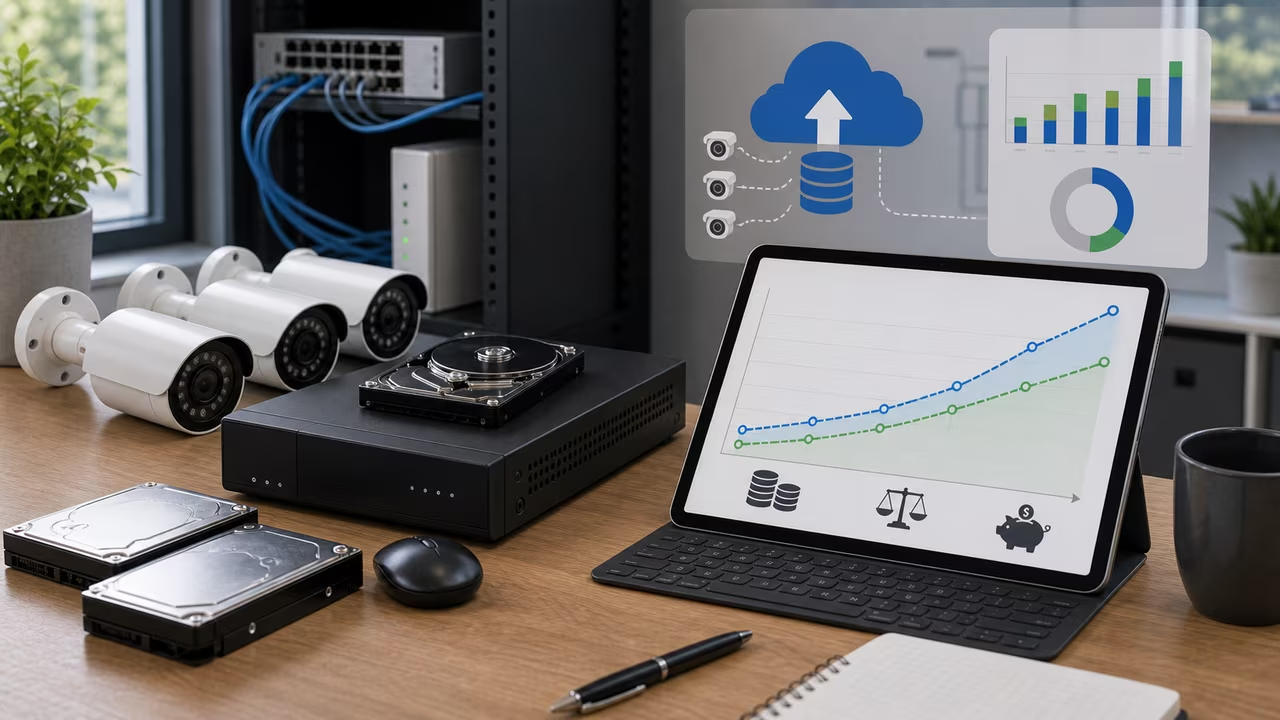
Security camera systems usually land in one of two pricing models: a cloud plan that charges every month, often by camera, and a local recorder setup that asks for a larger purchase up front. Cloud storage is appealing when you want footage available from anywhere and do not want to manage hardware, but every added camera and every retention upgrade keeps pushing the recurring bill upward. Local storage shifts the cost from subscription fees to equipment, power, and occasional drive replacement. This calculator compares those two paths on the same timeline so you can see when owning the recorder becomes less expensive than renting the storage.
The difference is not just about the first price you see. A cloud plan may bundle redundancy, automatic updates, and easy sharing, while a local NVR keeps recordings inside your own network and can continue recording when the internet connection is down. By converting those tradeoffs into monthly costs and cumulative totals, the calculator helps you evaluate a single porch camera, a small office with several feeds, or a larger site where recurring subscription costs can grow quickly as the system expands.
How to Use This Camera Storage Comparison
- Enter the upfront cost of the recorder, drives, mounting accessories, and any network gear that would only be needed for the local-storage option.
- Enter the recorder power draw and your electricity rate so the calculator can estimate the ongoing cost of keeping the local system running.
- Add a monthly local maintenance reserve for drive replacement, backup media, or support time. If you only want to compare hardware plus electricity, set this amount to zero.
- Enter the cloud subscription price per camera, the number of cameras, and the analysis period. If your provider charges per account rather than per camera, convert the plan to a per-camera figure first so the comparison stays consistent.
The Security Camera Cloud vs Local Storage Break-even Formula
To compare a cloud camera plan with local NVR storage, the calculator treats the recorder purchase as an upfront cost and the cloud plan as a repeating monthly charge. Let N be the combined price of the recorder and hard drives for local storage. The recorder consumes P watts continuously, electricity costs r dollars per kilowatt-hour, and M is the monthly maintenance or drive-replacement reserve. Cloud storage charges S dollars per camera per month, and you plan to use k cameras. The monthly cost of local storage is , while the cloud bill is S k. Setting the cumulative totals equal and solving for months t yields:
Formula: t = N / (S k - P / 1000 × 24 × 30 × r - M)
If the cloud fee per month is less than or equal to the recorder’s electricity plus maintenance reserve, the denominator becomes zero or negative, which means the cloud subscription is cheaper on monthly cash flow and the local hardware cannot recover its upfront cost. The calculator checks for that condition and shows a clear message when the local option never reaches break-even under the entered assumptions.
Worked Example: Four Cameras on Cloud vs Local Storage
Consider a property with four cameras. Cloud recording costs $5 per camera each month, so the subscription total is $20. You could instead buy a $300 NVR with a hard drive that draws 15 watts. At $0.15 per kWh, power for the recorder costs 15 × 24 × 30 / 1000 × 0.15 ≈ $1.62 per month. Add a $4 monthly drive replacement reserve and local operating cost becomes $5.62 per month. Plugging into the formula gives . After roughly twenty-one months, the local recorder becomes less expensive than continuing to pay the cloud bill.
This example also shows why camera count matters so much. The cloud total rises immediately with every added camera, while the local NVR cost changes mainly when the recorder needs a different drive budget or a larger hardware purchase. If a system grows from four cameras to eight, the cloud side usually doubles faster than the local side, which can move break-even much sooner.
Scenario Comparison Table for Camera Storage
The table below follows the same four-camera example over a few common planning horizons so you can see how the cloud and local totals diverge over time.
| Months | Local storage cumulative ($) | Cloud storage cumulative ($) |
|---|---|---|
| 12 | 367.44 | 240 |
| 24 | 434.88 | 480 |
| 36 | 502.32 | 720 |
During the first year, the cloud option is cheaper because the upfront recorder purchase has not yet been recovered. By the two-year mark, the local system has pulled slightly ahead, and by year three it has saved more than $200. The gap widens with every additional month, and it grows even faster if you add more cameras or if the cloud provider raises its rates.
Additional Security Camera Storage Considerations
Cost is only one part of the storage decision for a security camera system. Local recordings stay on your own network, which may matter for privacy, compliance, or simply avoiding another monthly bill. Cloud storage keeps a copy off-site, which is useful if equipment is stolen or damaged. Some buyers split the difference by keeping local recordings for routine review and reserving cloud backup for critical clips. If you manage several locations, think about the amount of attention each system needs: an NVR requires firmware updates, health checks, and drive replacement planning, while cloud service shifts those tasks to the provider but still depends on the provider’s policies and security practices.
Upload bandwidth can be another hidden cost for cloud video. Continuous camera streams may use enough upstream capacity to matter on slower connections or data-capped internet plans. For a closer look at that side of the setup, see the internet data cap overage calculator. Local storage avoids most of the upload burden, though it may need a better internal network if you want to review footage from multiple rooms or buildings.
Limitations and Assumptions for Camera Storage Costs
This calculator keeps the model intentionally simple so the cloud-versus-local comparison stays easy to follow. It assumes the recorder draws the same power all day and that local maintenance can be represented as a single monthly reserve. It also treats cloud pricing as a flat per-camera charge, even though some providers vary prices by resolution, retention length, motion analytics, or bundled features. If you expect to add cameras later, enter the future camera count rather than today’s smaller number.
Only direct out-of-pocket costs enter the calculation. The model does not assign a dollar value to convenience, remote access, or professional monitoring. It also does not attempt to price the extra labor that comes with managing firmware updates, backups, account security, or drive health on a local recorder. Those items can be important, but they are best weighed alongside the financial result rather than folded into a single formula.
Related Security Camera Tools
If you are sizing a recorder, the security camera storage calculator estimates how much footage a drive or array needs to hold, which helps pair the cost comparison with the right capacity. If cloud streaming may strain your internet plan, the internet data cap overage calculator can help estimate that exposure too.
Interpreting the Security Camera Storage Result
Run the calculator after entering the recorder cost, power draw, electricity rate, local reserve, cloud price per camera, camera count, and analysis period. The result shows the month when local storage overtakes cloud spending, along with the cumulative totals at your chosen horizon. If the inputs produce a zero or negative monthly advantage for the local option, the page will tell you that the hardware does not recover its upfront cost under those assumptions. Every calculation runs in your browser, so the camera cost comparison stays on your device.
Camera Storage Break-even Run
Guide the planner through a line of cloud fees and local upkeep tokens. Catch drive-reserve boosts, collect cloud-retention bonuses, and dodge subscription spikes and failure shocks to keep the break-even timeline moving in your favor. The longer you stay balanced, the easier it is to see how recurring fees and reliability trade off.
Drag or use arrow keys to move the planner. Green lowers local cost, blue preserves cloud value, red raises surprise cost.